
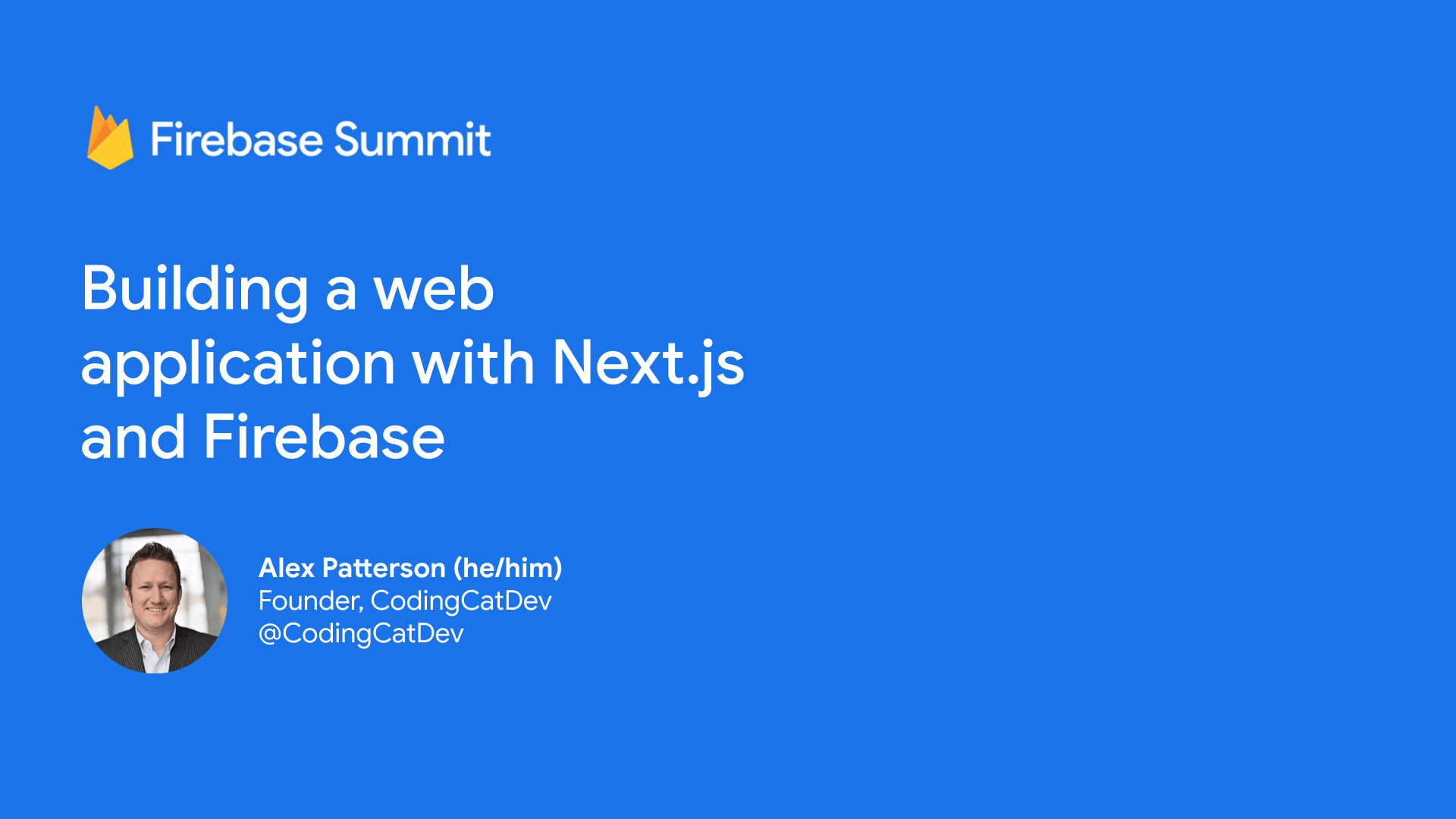
Building a web application with Next.js and Firebase - Firebase Summit 2021
In this 20 minute demo I quickly show you how to get up and running with Next.js and Firebase.
Original: https://codingcat.dev/tutorial/building-a-web-application-with-next-js-and-firebase-firebase-summit-2021
GitHub Repo
In order to clone this application locally run the below command. Please note you will need git
git clone https://github.com/CodingCatDev/ccd-starter-nextjs-tailwind-firebase.git
Firebase
Make sure to setup a new project with a Firestore database.
Install dependencies
cd backend/firebase && npm install
Make sure you are first in the firebase directory
firebase deploy
The video will cover how the different page types work for firebase.
Install dependencies
To get started make sure to
cd frontent/nextjs-tailwind && npm install
Run locally
Make sure to change the .env.local.template to .env.local and update the parameters from firebase.
To run the dev server (staying in the same directory)
npm run dev
About the author
I’m the founder of CodingCatDev, where we create “Purrfect Web Tutorials” to teach the world how to turn their development dreams into reality. I am a professional full stack developer, and I am passionate about mentoring new developers and helping the community that has allowed me to live my development dreams. I firmly believe that anyone can learn to be a developer. The CodingCatDev team is here to help!
Comments
Join the discussionNo comments yet. Be the first to comment.